
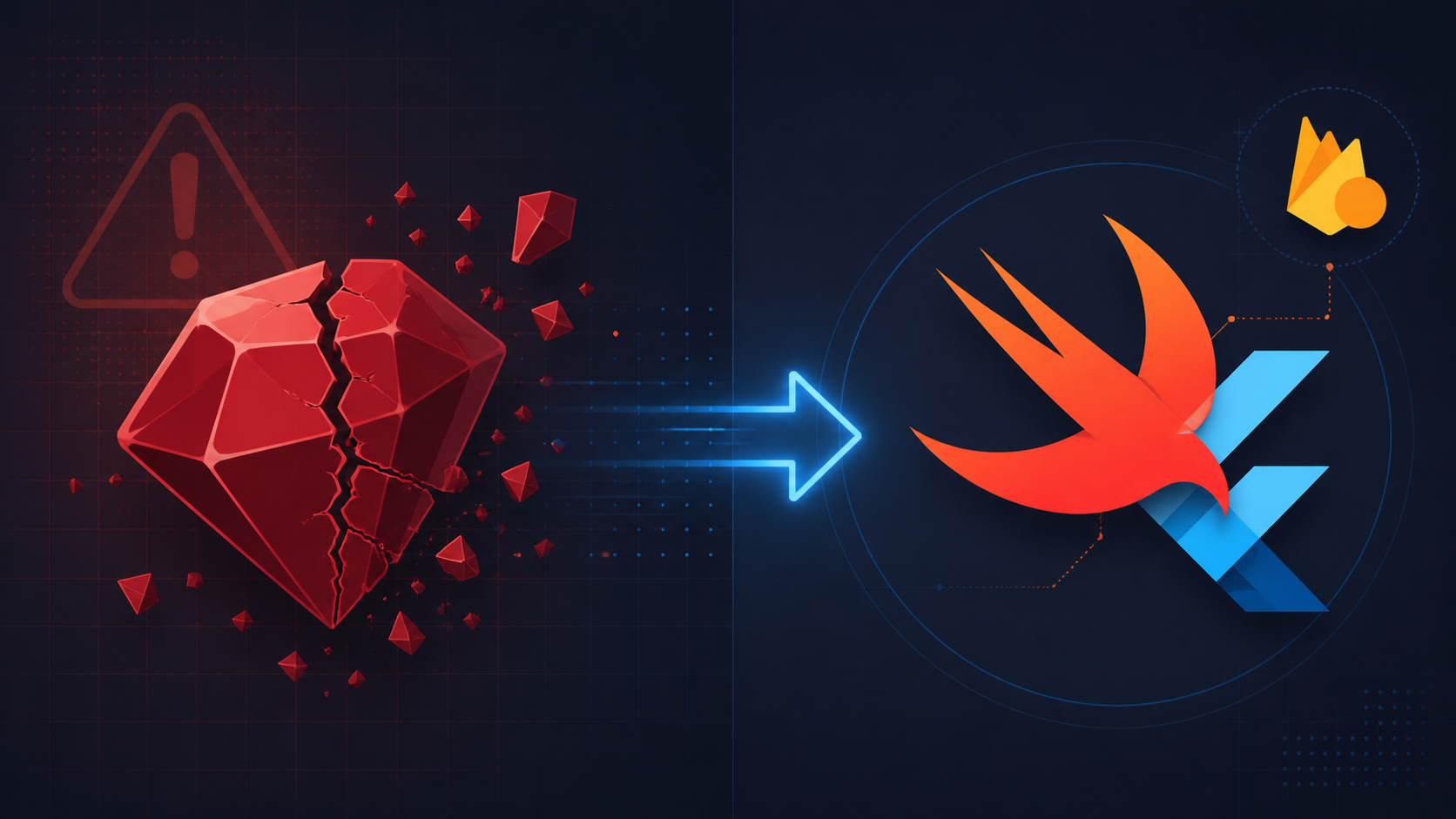
If your Flutter app targets iOS or macOS, something is changing in how Firebase reaches your project — and the clock has a firm deadline. Firebase announced it will stop publishing new SDK versions to CocoaPods in October 2026. Two months later, in December 2026, CocoaPods itself transitions to a permanently read-only state. For most Flutter developers, this sounds alarming. It shouldn't be. But there's context worth understanding before you decide whether to act now or wait.
Why CocoaPods is being retired
CocoaPods has been the dominant dependency manager for Apple platform development for over a decade. It works, but it comes with friction: Ruby installation, Gemfile maintenance, periodic pod install failures on clean CI machines, and Xcode integration that can be surprisingly brittle between version upgrades.
The CocoaPods project announced it will move to a read-only state in December 2026. No new pod versions can be published after that point. Firebase responded by committing to stop publishing new SDK versions two months earlier — in October 2026 — to ensure the final published versions are stable and verified before the registry freezes.
This isn't a failure. It's an orderly handoff. Swift Package Manager (SPM) is now built directly into Xcode, maintained by Apple, and has reached the feature maturity needed to handle complex dependency graphs. The ecosystem has moved.
What this means for Flutter specifically
Flutter's Apple platform support has historically depended on CocoaPods to bridge Flutter plugins — including all of FlutterFire — into Xcode projects. That dependency is now being replaced.
Flutter 3.24, released in August 2024, introduced opt-in Swift Package Manager support. It was available but not default — developers who wanted to test the new path could opt in while the ecosystem stabilised.
The next milestone is Flutter 3.44, where SPM becomes the default for all Flutter apps targeting Apple platforms. At that point, new Flutter projects will no longer require Ruby or CocoaPods to build for iOS and macOS. SPM ships with Xcode, so the toolchain is already there.
The affected FlutterFire plugins
Every major FlutterFire plugin already supports Swift Package Manager. The list includes:
firebase_corefirebase_authfirebase_messagingcloud_firestorefirebase_analyticsfirebase_crashlyticsfirebase_storagefirebase_remote_configfirebase_database
If your project uses any of these, you're covered. The underlying native Firebase Apple SDK they wrap will be distributed exclusively via SPM after October 2026.
How FlutterFire handles the migration
Here's the part that most articles bury: for the majority of Flutter developers, the migration is automatic.
Updating to the latest FlutterFire package versions triggers the migration of the underlying Apple dependency manager. You don't need to manually edit your Podfile, restructure your Xcode project, or learn SPM's package manifest format. The FlutterFire packages handle it.
If you want to get ahead of it before Flutter 3.44 ships — which is worth doing if you have time — the opt-in is two commands:
- Run
flutter config --enable-swift-package-manager - Run
flutter upgrade
That's it. Flutter rewires the Apple dependency resolution to use SPM from that point forward on your machine.
According to Firebase's official deprecation documentation: updating to the latest version of Firebase on Flutter will automatically migrate the underlying dependency manager on Apple platforms to Swift Package Manager.
What about your CI/CD pipeline?
Existing CI jobs running pod install or pod update will continue to work for Firebase versions already published to CocoaPods. Nothing breaks on your pipeline today. The only change is that Firebase versions released after October 2026 won't appear there — your pipeline simply won't see new Firebase updates unless it's resolving through SPM.
If your CI runner is on macOS with Xcode 14 or later, SPM resolution is already available. No new tools to install.
What about non-Firebase CocoaPods dependencies?
This is where careful attention is needed. Firebase's automatic migration handles the Firebase side. But if your project has other native dependencies still being pulled through CocoaPods — third-party analytics SDKs, mapping libraries, payment integrations — those need to be evaluated separately.
Firebase's documentation is explicit about one thing: avoid mixing CocoaPods and SPM in the same Xcode target. Running both can produce dependency resolution cycles and build errors that are genuinely difficult to trace. The recommended approach is a clean cutover.
For each remaining CocoaPods dependency in your project, check whether an SPM version exists. Most mature iOS libraries have added SPM support in the last two years. If a library you rely on hasn't published an SPM package, that's worth flagging now — you have until October 2026 before Firebase updates stop arriving through CocoaPods, giving you roughly 5 months to resolve it.
How to audit your current CocoaPods usage
Open your Podfile.lock and list every pod that isn't a Firebase or FlutterFire dependency. For each one, check the library's GitHub repository for a Package.swift file — its presence means SPM support exists. The Swift Package Index at swiftpackageindex.com is a useful lookup tool for this audit.
What you should do now
The answer depends on where your project is and your tolerance for doing this twice (once to test, once when it's forced).
If you're starting a new Flutter project targeting iOS today, there's no reason to use CocoaPods at all. Enable SPM from the start.
If you have an existing production app, the pragmatic path is:
- Audit your
Podfile.lockfor non-Firebase pods and confirm SPM alternatives exist - Run
flutter config --enable-swift-package-manageron a feature branch - Do a test build and verify CI passes
- Merge when you're satisfied the dependency graph is clean
- Plan removal of your
Podfileonce all third-party libraries are on SPM
If you're on a tight sprint with no bandwidth right now, waiting for Flutter 3.44 is reasonable. The automatic migration will handle Firebase. Just make sure your non-Firebase pods have SPM equivalents before that release lands.
The broader shift is worth naming clearly: Apple's toolchain is consolidating around SPM. CocoaPods served its era well, but the path forward for iOS and macOS development is through Swift Package Manager. Firebase and Flutter are moving together in that direction. For developers who keep their dependencies current, this transition should be quiet. For those who let things lag, October 2026 is a real deadline with real consequences for receiving Firebase updates.
Sources: Firebase CocoaPods Deprecation — firebase.google.com/docs/ios/cocoapods-deprecation | Flutter SPM Documentation — docs.flutter.dev/packages-and-plugins/swift-package-manager/for-app-developers | FlutterFire SPM Issue Tracker — github.com/firebase/flutterfire/issues/13205 | FlutterFire GitHub — github.com/firebase/flutterfire/issues/18147